Base Game
e-Shop Digital (NSP)
-
Launch Homebrew Menu and open NXDumpTool (nxdt_rw_poc).
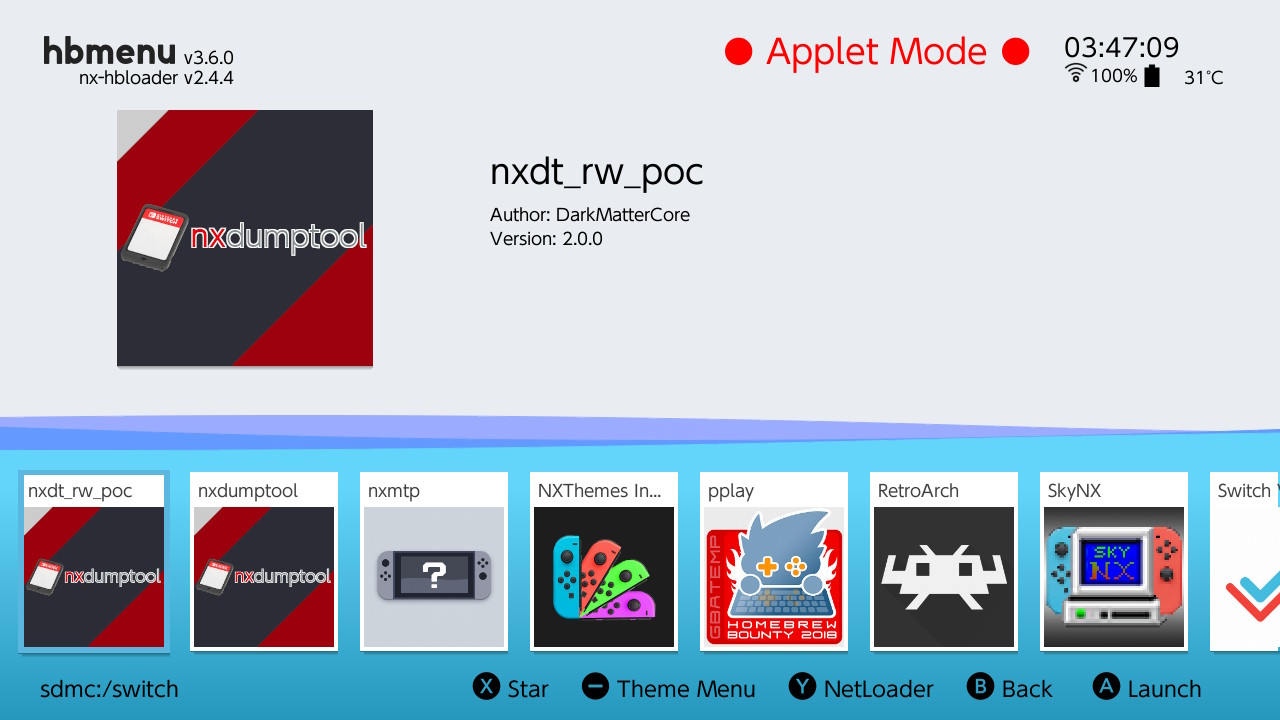
-
Select
user titles menu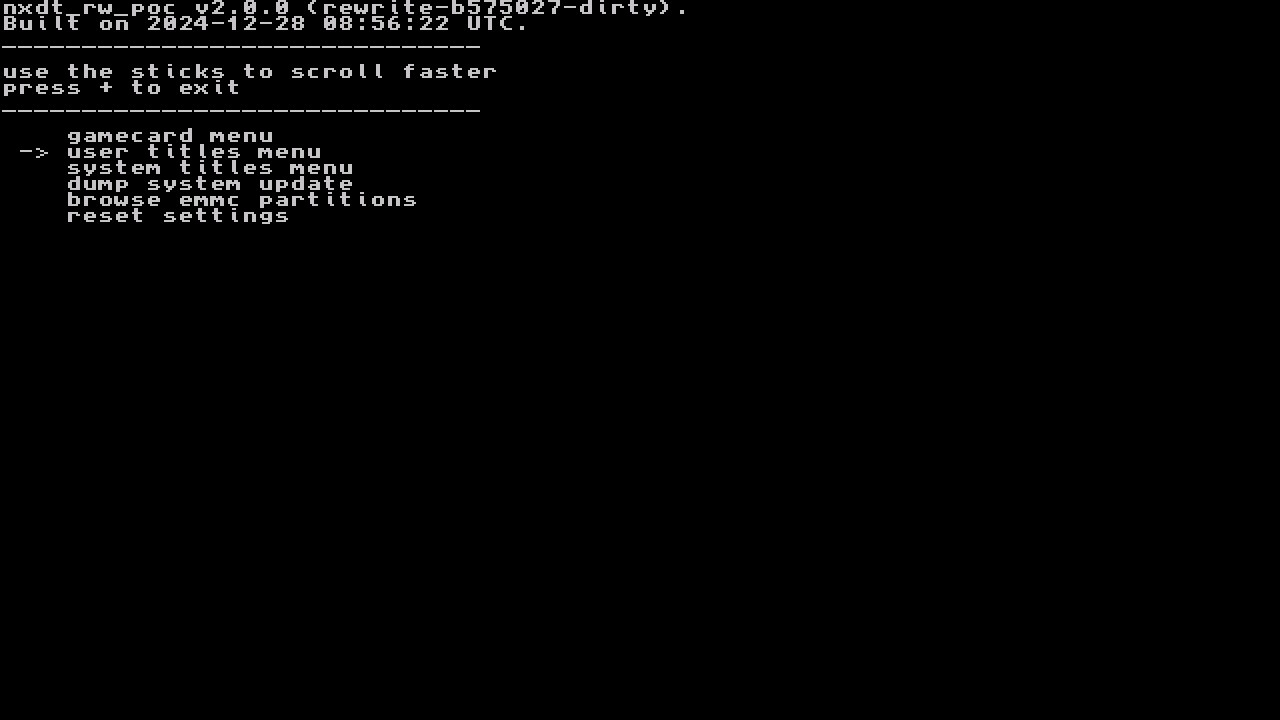
-
Find the game you want to dump and select it.
-
Select
nsp dump options-->dump base application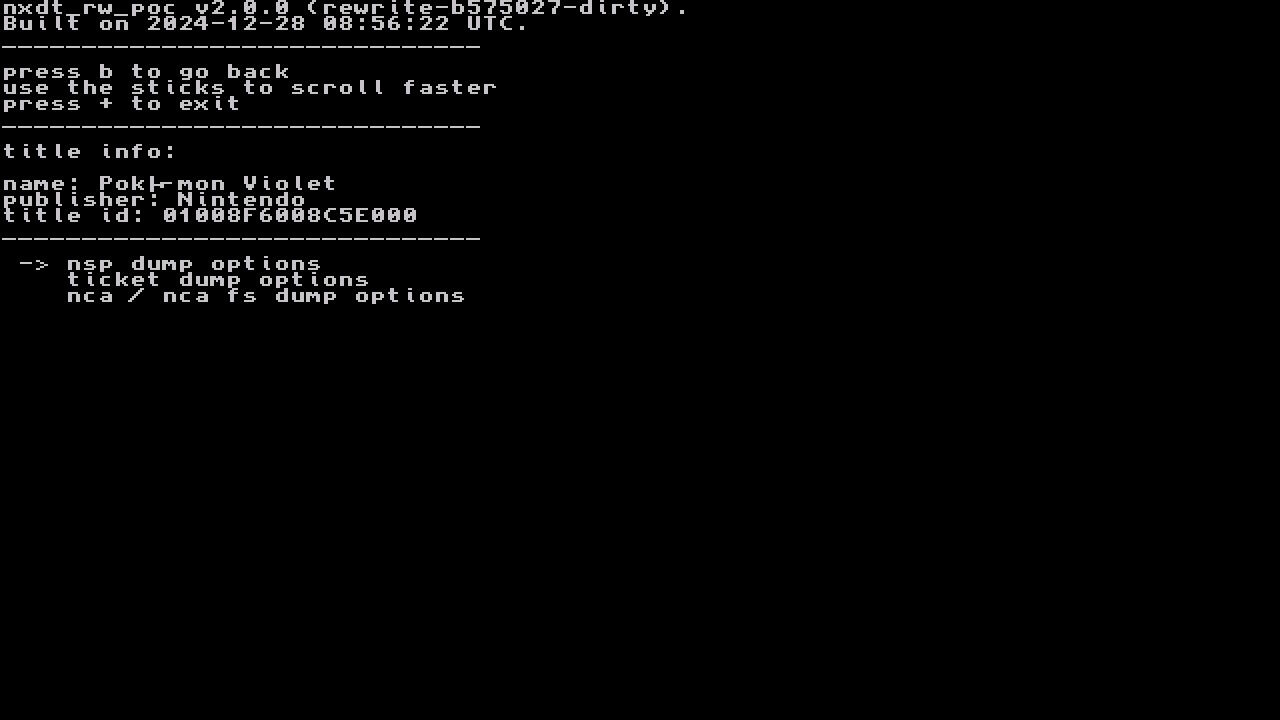
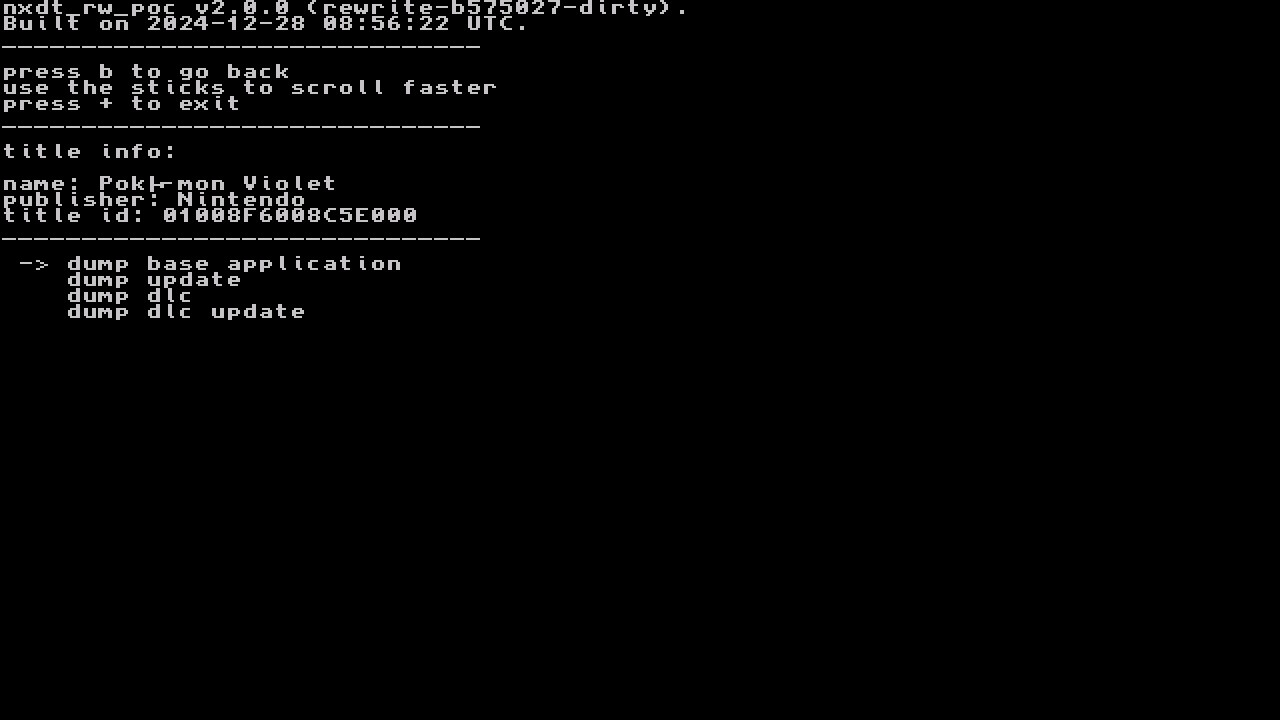
-
If you have setup USB dumping you can dump straight to a PC if you
set output storage: tousb host (pc) -
Select
start nsp dump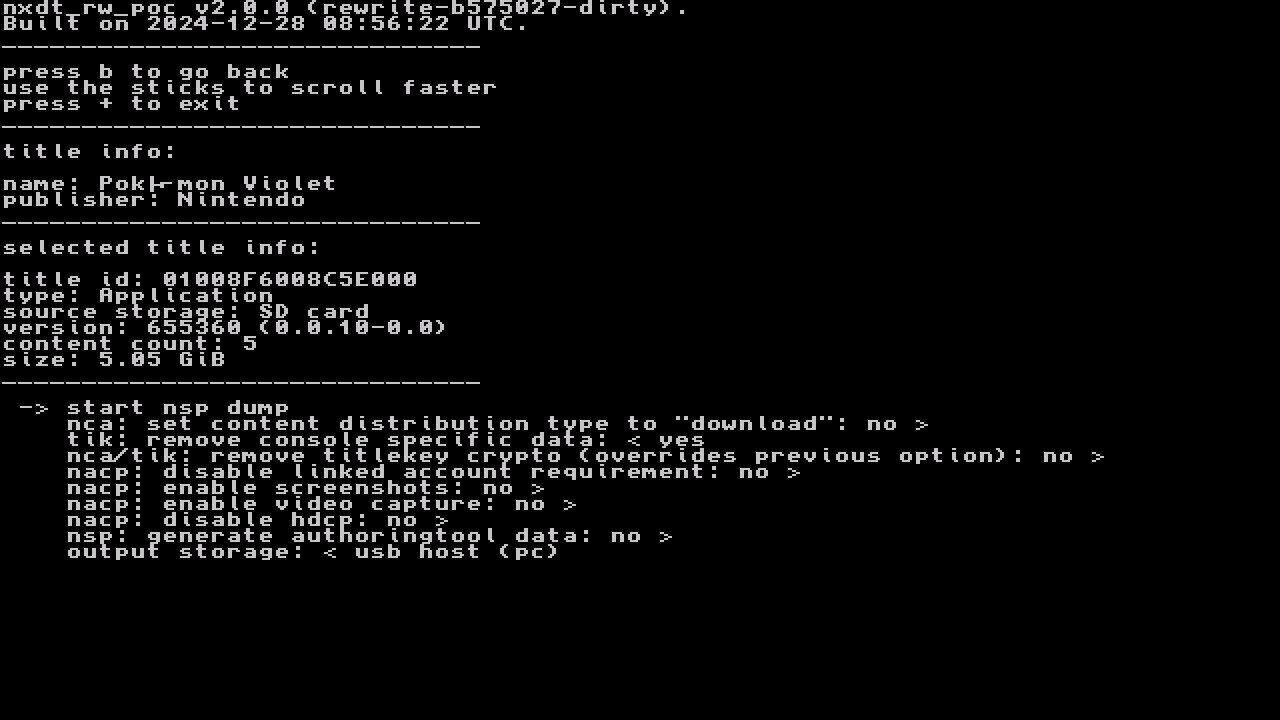
-
If you set output to
usb host (PC), make sure nxdt_host is open on your PC, then connect your Switch. Dumping will begin.
Physical Cartridge (XCI)
-
Launch Homebrew Menu and open NXDumpTool (nxdt_rw_poc).
-
Select
gamecard menu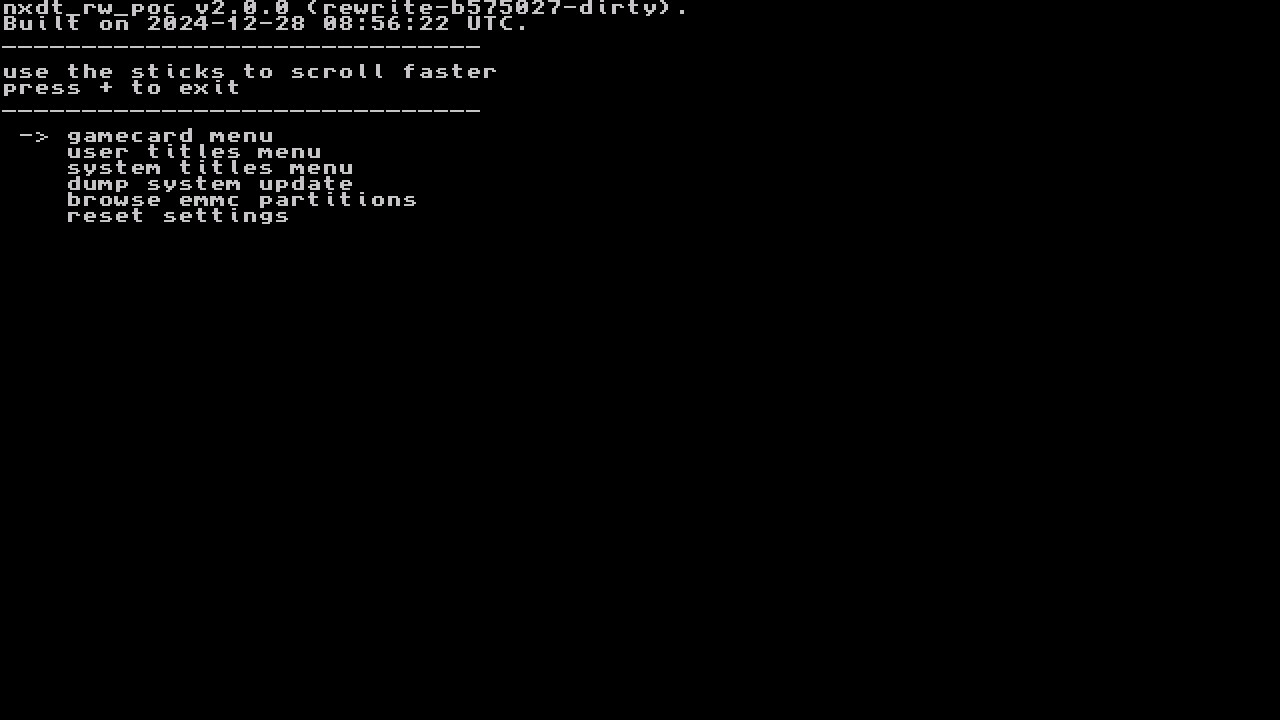
-
Select
dump gamecard image (xci)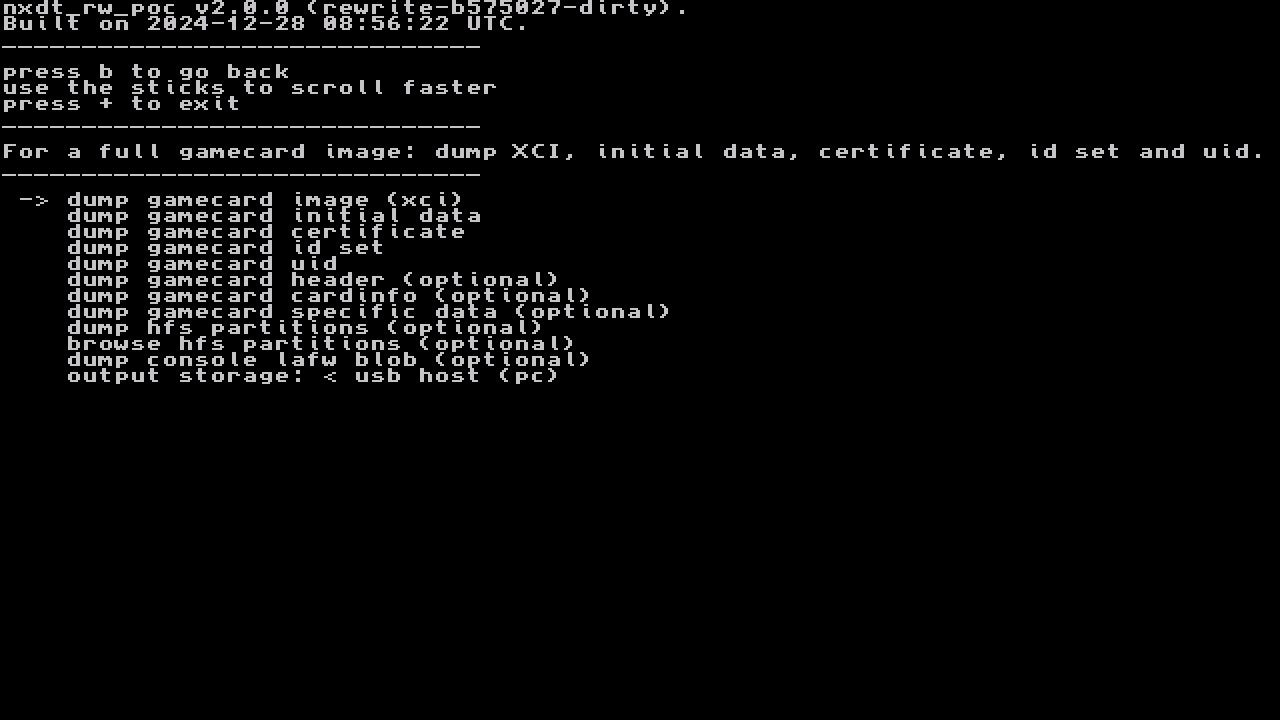
-
If you have setup USB dumping you can dump straight to a PC if you
set output storage: tousb host (pc) -
Select
start xci dump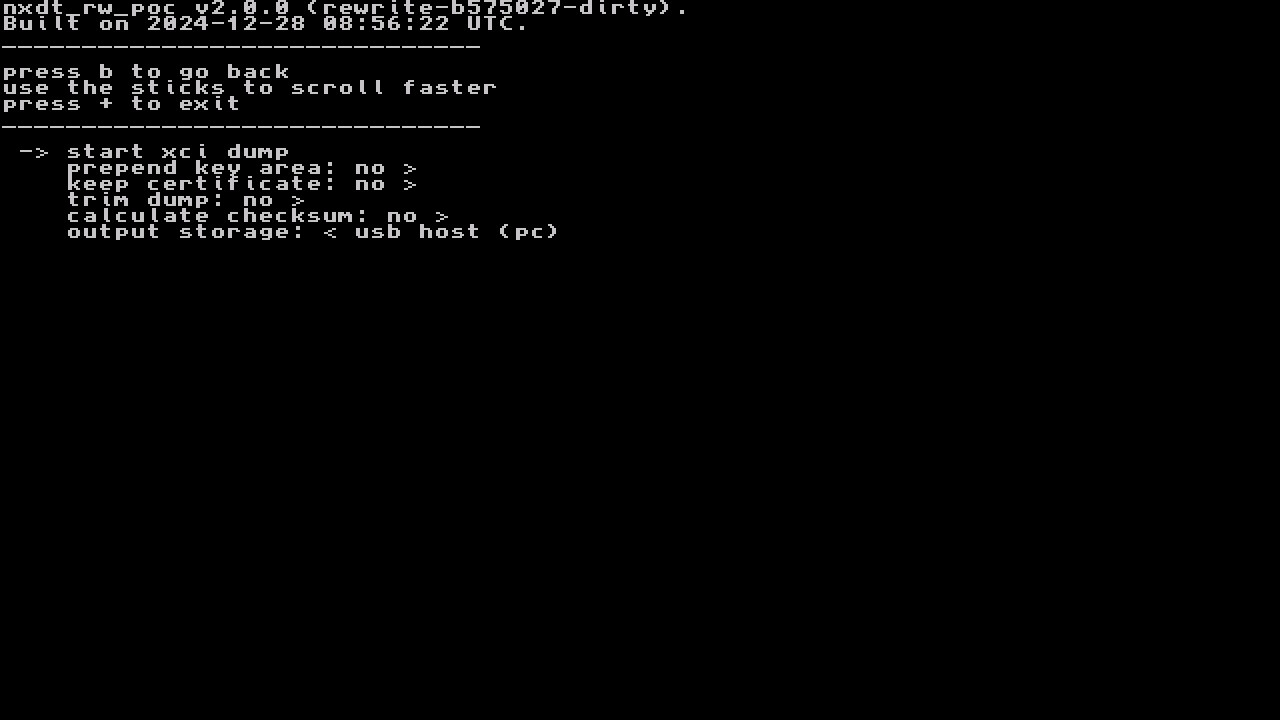
-
If you set output to
usb host (PC), make sure nxdt_host is open on your PC, then connect your Switch. Dumping will begin.
Updates & DLC
-
Launch Homebrew Menu and open NXDumpTool (nxdt_rw_poc).
-
Select
user titles menu -
Find the game you want to dump and select it.
-
Select
dump updateto dump an update, ordump dlcto dump DLC for the game.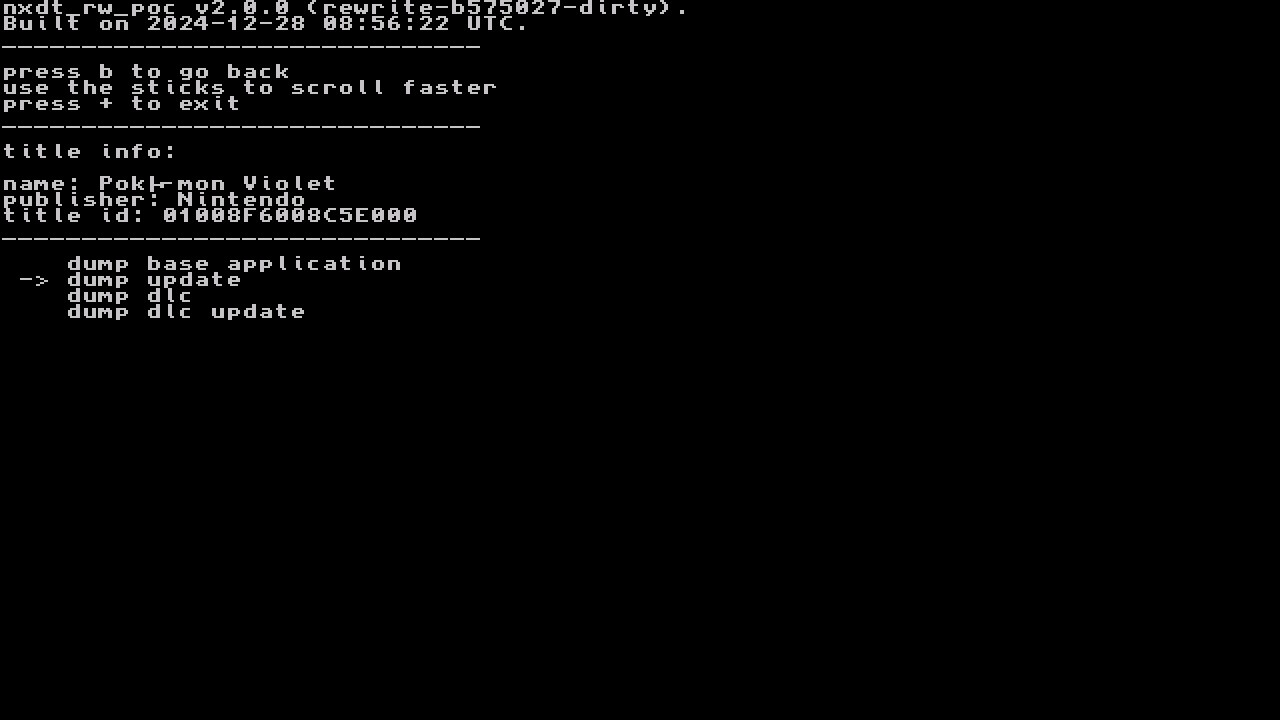
-
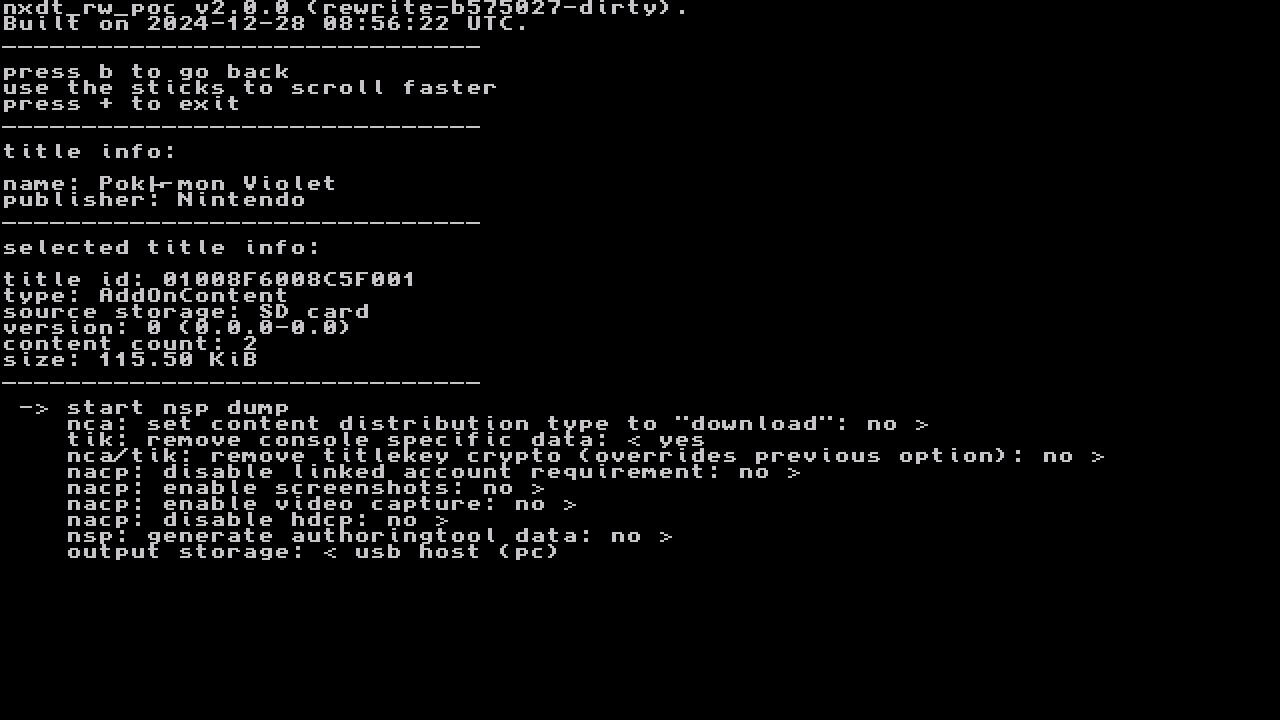
If dumping DLC, press
L/ZLorR/ZRto change the selected DLC title to dump. - If you have setup USB dumping you can dump straight to a PC if you
set output storage: tousb host (pc) -
Select
start nsp dump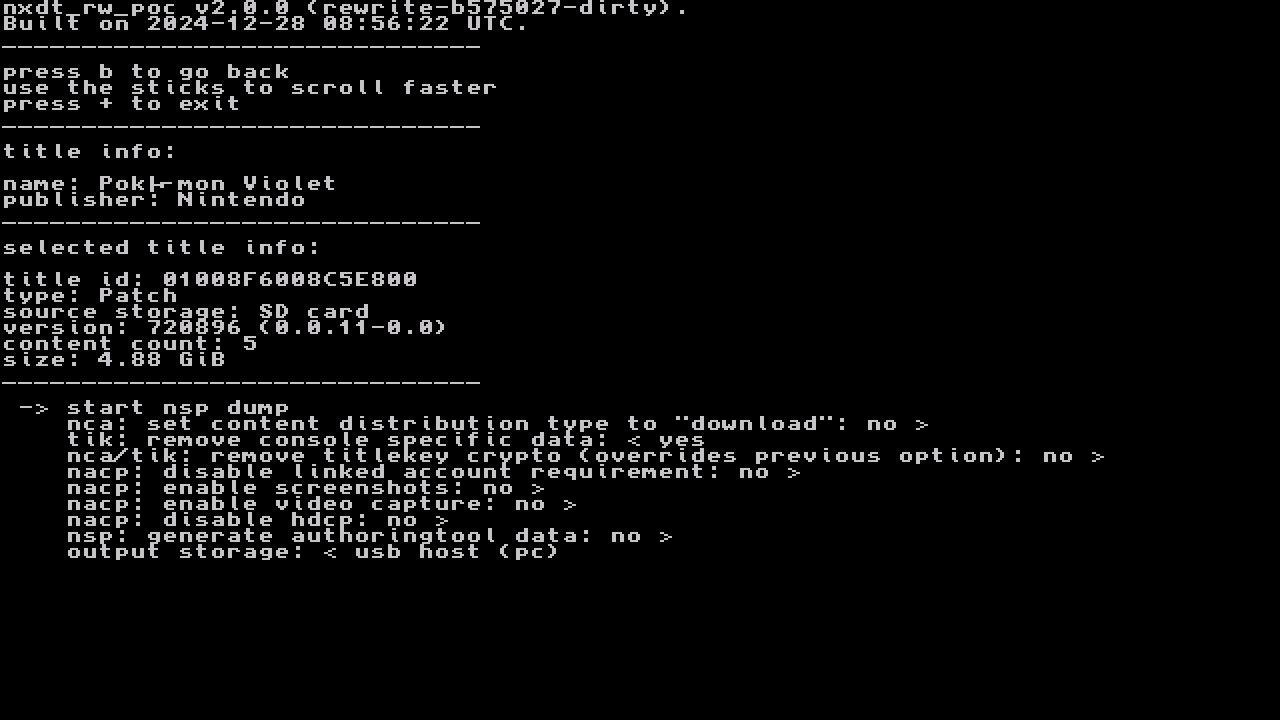
-
If you set output to
usb host (PC), make sure nxdt_host is open on your PC, then connect your Switch. Dumping will begin.