Key Dump Guide
What You Need
- Unpatched/Modchipped Switch
- Lockpick_RCM
- MicroSD Card (64GB+)
How to Backup Switch Keys
- Download Lockpick_RCM unless you already have it.
- Put the
Lockpick_RCM.bininto thebootloader/payloadsfolder on your microSD card. -
Boot
Hekateand launch Lockpick_RCM.bin from the payloads tab.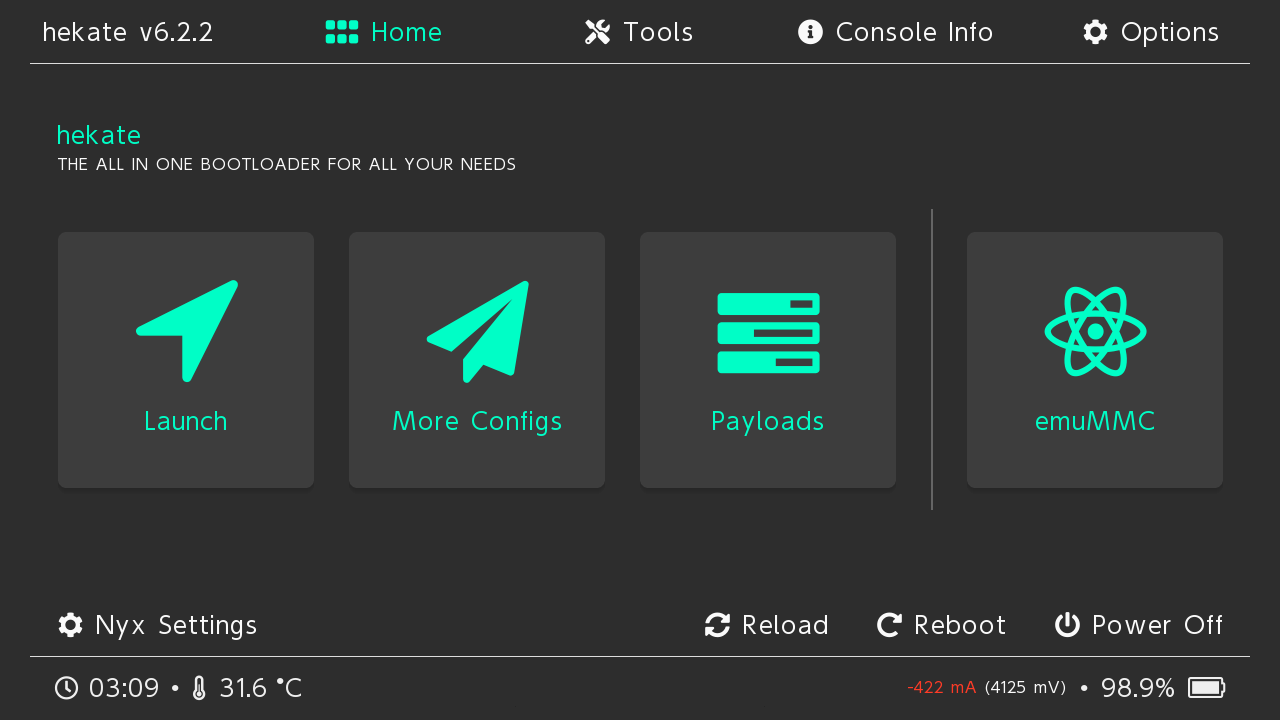
-
Select
Dump from sysNAND. Lockpick_RCM will dump theprod.keys,title.keysanddev.keysto theswitch folderon your microSD card. - Exit back to the Lockpick_RCM home screen.
- If you have games installed to emuNAND you can dump title.keys by selecting Dump from EmuNAND in Lockpick_RCM.
- Either:
- reboot to
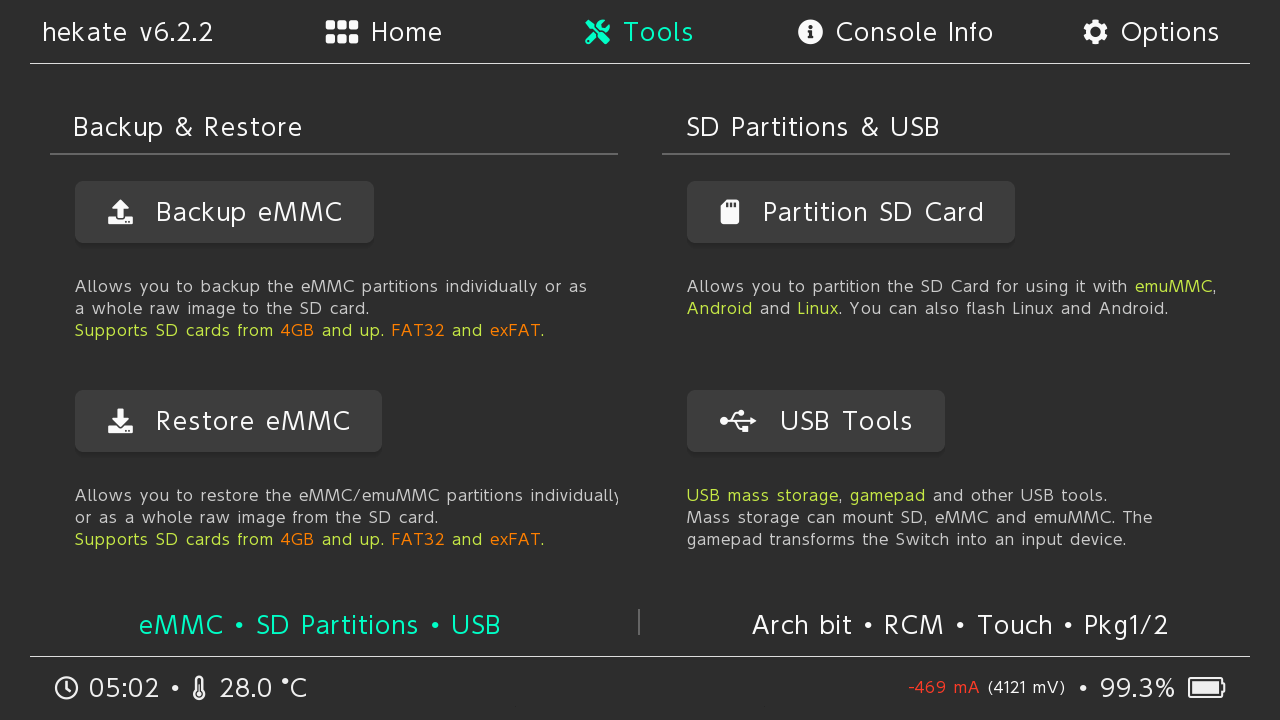
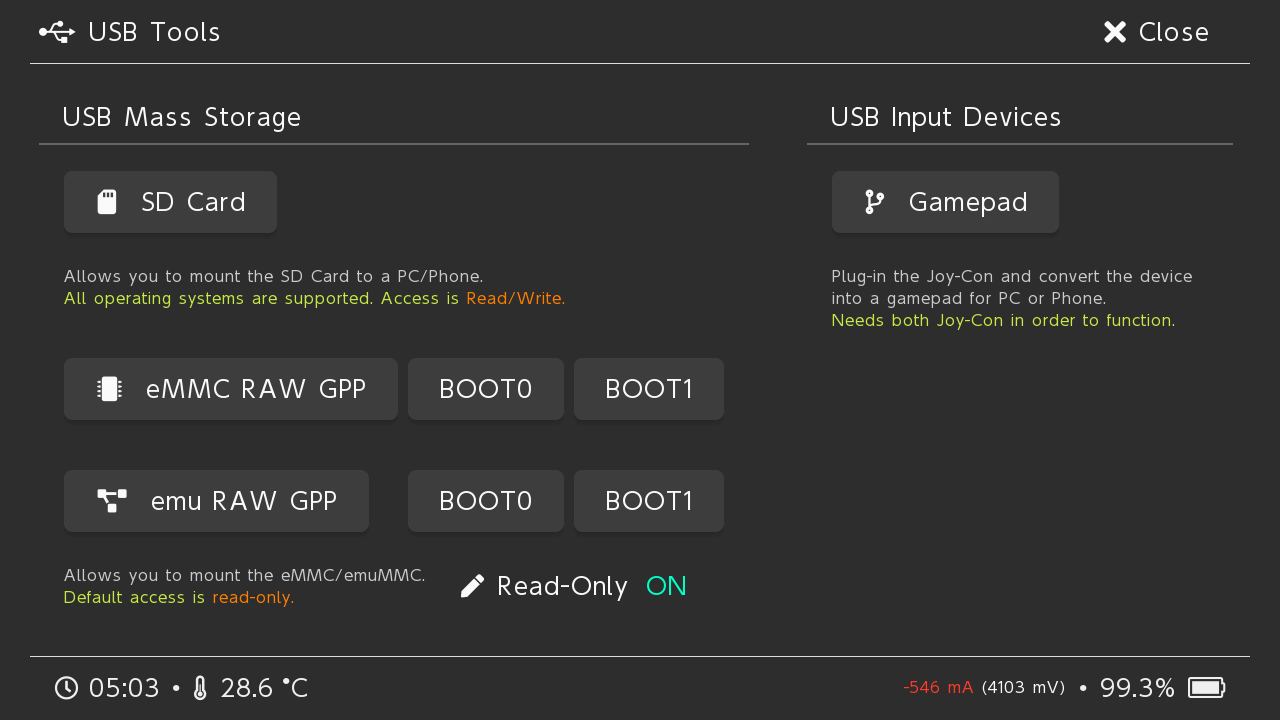
Hekatechoosetools-->USB Tools-->SD cardunder USB Mass Storage while connected to your PC; - or power off and copy the prod.keys, title.keys and dev.keys from the
switchfolder on your microSD card to your PC.
- reboot to